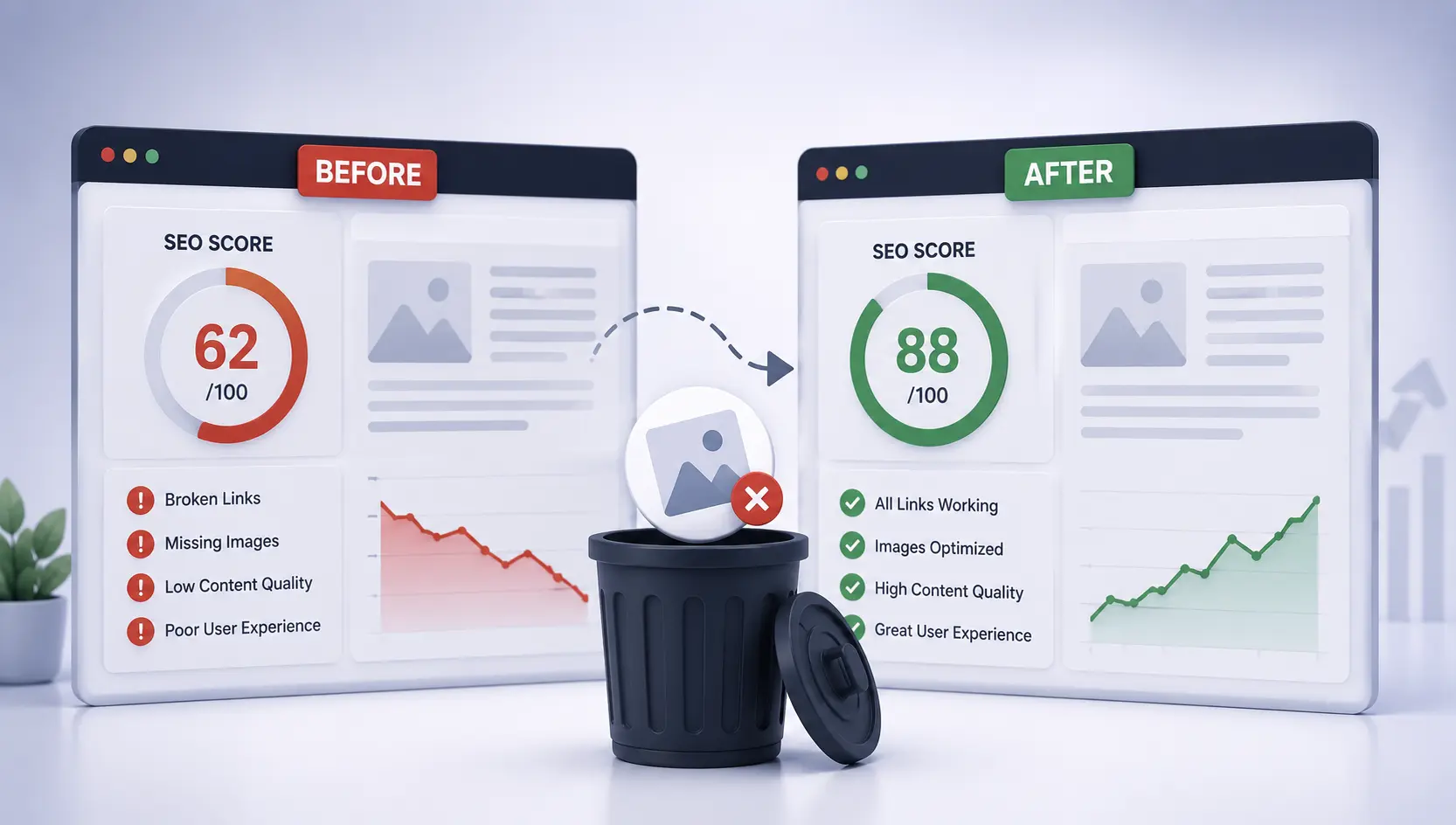

A recent experience during a routine site audit provided a powerful reminder: Technical SEO isn't just about what your users see—it's about what search engines crawl. We discovered that a single small mistake in the WordPress Media Library led to a massive 16% drop in our overall Site Health score.
Scenario 1: Hidden Section, Visible Impact (The Image Trap)
While reviewing our site health via Ahrefs, we were surprised to find a sudden spike in 404 errors. After investigating, we found that the culprit was a "hidden" section that wasn't even visible to our visitors.
What Happened?
- We created a test section with two images for design purposes.
- We decided not to use the section yet, so we used responsive display settings (like "Hide on Desktop/Mobile") to tuck it away.
- Assuming the section was "off-limits," we deleted one of the images from the WordPress Media Library to save space.
- The Result: The image URL remained in the page's HTML source code. Ahrefs and Google bots crawled the code, found a link to a non-existent image, and flagged a critical 404 error.
"Our overall site health score dropped by 16% — all because of one deleted image tucked inside a visually hidden section."
Scenario 2: The Ghost Heading (Duplicate H1 Tags)
Modern WordPress page builders make it easy to hide elements based on devices. A common mistake is creating one H1 for desktop and a separate H1 for mobile, then "hiding" the irrelevant one using responsive settings.
The SEO Nightmare: Search engines crawl the entire DOM. Googlebot sees two H1 tags on the same page. This triggers a "Multiple H1 Tags" error, which confuses search engines about the page's primary topic and can dilute your keyword authority.
Scenario 3: Broken Links in "Invisible" Text
Imagine a paragraph containing a link to an external resource. If you decide to hide that paragraph but leave it in the code, and that external link later breaks (becomes a 404), your SEO health will drop.
Search engines will still attempt to follow every link in your source code. A broken link inside a hidden section is just as damaging as one in your main content—it signals poor maintenance and a bad user experience to Google's algorithms.
The Technical SEO Takeaway
Search engine bots like Googlebot read the full source code of your page. If a link, image path, or H1 tag exists in your code, it exists for SEO—regardless of whether it's visually hidden with CSS (`display: none;`) or page builder settings.
Action Plan: What You Should Do
To avoid silent SEO killers in your WordPress site, follow this checklist:
- Remove, Don't Just Hide: If you aren't using a section, delete it entirely from the editor. Visual hiding is for responsive design, not for content removal.
- Audit Before Deleting: Before removing any media asset or changing a link, verify it's not referenced anywhere in your site's hidden or active code.
- Monitor Regularly: Use tools like Google Search Console or Ahrefs to catch 404 errors and duplicate heading issues.
- Clean Up Redirects: If you must remove a resource, implement a 301 redirect to ensure bots don't hit a dead end.
Don't let "out of sight" errors put your business "out of mind" for search engines. Regular technical audits are the only way to ensure your WordPress site stays healthy and competitive.