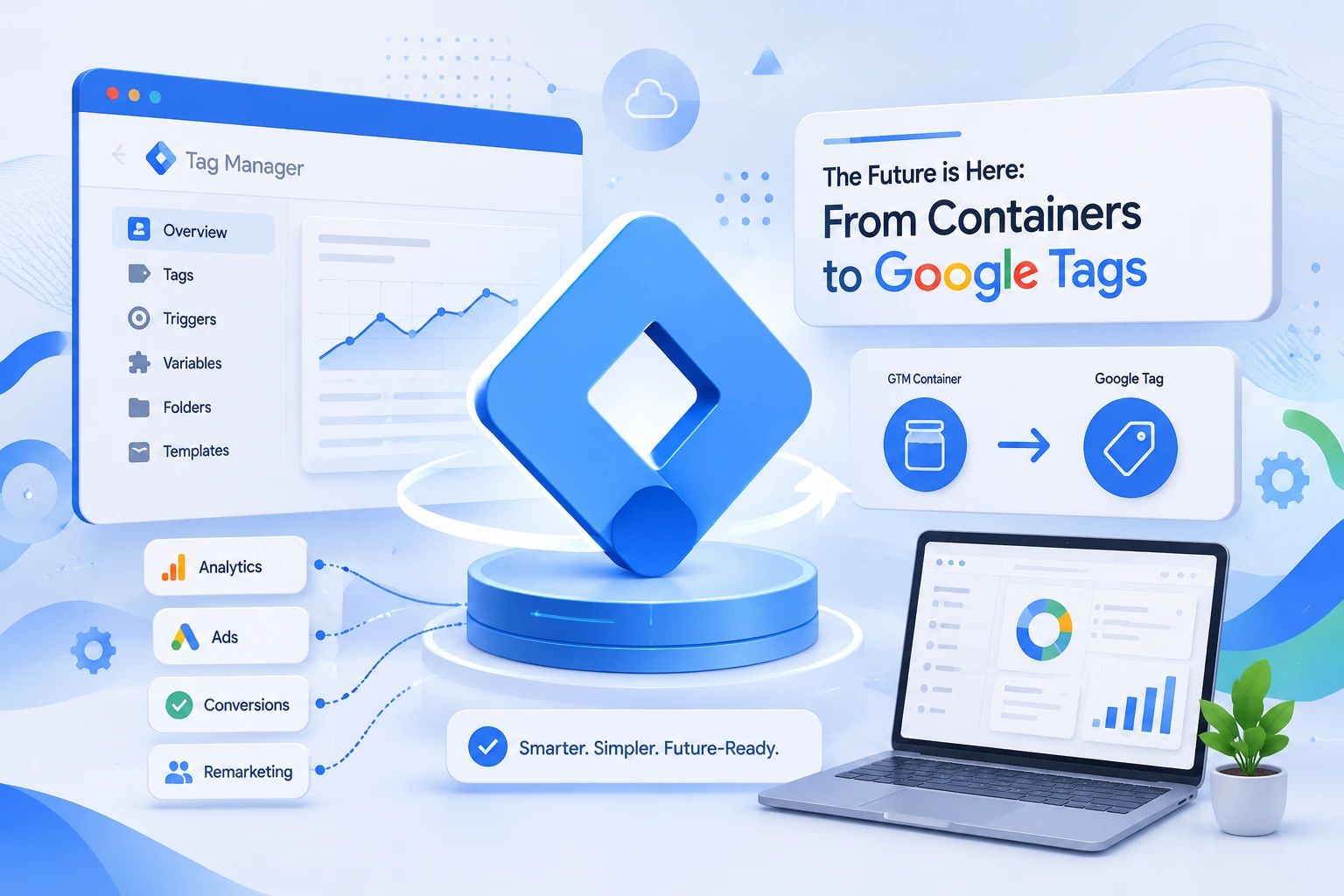

If you manage a website's analytics, ads, or SEO tracking, you've probably heard the buzz: Google Tag Manager (GTM) is going through its biggest structural change in years. Revealed around Google Marketing Live 2026 (May 20, 2026), Google is merging the standalone Google tag (gtag.js) and Google Tag Manager into a single, unified tagging system.
For web developers and digital marketers, this isn't just a UI refresh — it changes how tags are deployed, how data flows to Google Analytics 4 (GA4) and Google Ads, and how fast your site loads. Here's everything you need to know about the Google Tag Manager 2026 update, explained in plain English and checked against Google's own documentation.
Key Takeaways
- Google tag and Google Tag Manager are merging into one system — your Google tags are being upgraded to full GTM containers.
- A new "Destinations" model routes data to GA4, Google Ads and Floodlight from a single container script, cutting redundant loads.
- The update is opt-in — nothing changes until you accept the optimization banner in GTM.
- Server-side tagging keeps expanding, with service-worker delivery and easier first-party (Google tag gateway) setup.
What Is Google Tag Manager? A Quick Refresher
Google Tag Manager is a free tag management system that lets marketers and developers add, edit, and manage tracking codes (tags) — like GA4, Google Ads conversion tracking, and third-party marketing pixels — without editing site code directly. Instead of hardcoding every script into your website, you manage everything through triggers, variables, and tags inside a single GTM container.
This matters for SEO and site performance too: fewer manually hardcoded scripts generally means a cleaner codebase and faster page loads, both of which feed into Google's page experience signals, including Core Web Vitals — a factor in how Google evaluates your pages.
The Big 2026 Change: Google Tag and Google Tag Manager Are Merging
Historically, Google Tag Manager and the standalone Google tag (gtag.js) were two separate systems that happened to work together. In 2026, Google is unifying them. According to Google's official documentation, your existing "Google tags will be upgraded to fully capable Google Tag Manager containers" — and GTM containers can, in turn, be deployed like a Google tag and route data to multiple products. Here's what that means in practice:
- Centralized settings: A new "Settings" tab in GTM now holds container-wide configuration (like consent settings and conversion linking) in one place instead of scattering it across individual tags.
- A "Destinations" model: Instead of loading a separate script for every product (GA4, Google Ads, Floodlight), a single container can route data to multiple "destinations." Because those products no longer each load their own
gtag.jsfile, the single container script handles the lot — reducing redundant script loads. - Dual-ID deployment: Going forward, every tag can be deployed with either a GTM container ID (full access to tags, triggers, and variables) or a product ID like
G-XXXXXXorAW-XXXXXX(limited to deploying Google's own tags). How your snippet behaves depends on which ID you use. - Codeless visual tagging: A new visual event builder (currently in beta for Google Ads purchase conversions) lets marketers click directly on page elements to define events, with GTM handling the technical CSS selectors and triggers automatically. (Simo Ahava)
- New deployment snippets: New installation snippets no longer include the
gtag configcommand by default. Instead, Google recommends configuring initialization behavior using a newgtm inittrigger, which can still be set to wait for a legacy config command for backward compatibility.
Google confirmed the update is opt-in. Existing containers won't change automatically — if you have edit, approve, or publish permissions, you'll see an "optimization" banner inside GTM inviting you to preview and migrate when you're ready. In Google's words, "no changes will be made automatically, and you can choose whether to adopt the new configuration."
Why This Update Matters for Digital Marketing Teams
1. Fewer redundant scripts, faster pages
When GA4, Google Ads, and other tags each load separately, your site makes more network requests than it needs to. The new Destinations model consolidates this, which can translate into measurable page-speed improvements — good news for both user experience and technical SEO.
2. Cleaner data for AI-powered ad tools
Google has been leaning heavily on AI across Ads and Analytics. Consistent, well-structured tagging feeds cleaner signals into features like automated bidding and AI-assisted campaign optimization, so getting your tagging hygiene right is becoming table stakes rather than a nice-to-have. Structured, machine-readable data also helps you get cited by AI search.
3. Less back-and-forth between marketing and dev teams
With centralized settings and visual, click-to-configure event tracking, marketers can set up common conversion events without waiting on a developer to add code — while developers retain full control through the traditional trigger/variable/tag workflow when custom logic is needed.
Server-Side Tagging Keeps Growing in Importance
Alongside the container/Google tag merger, Google has continued expanding server-side Google Tag Manager, which moves tag processing off the browser and onto a server (via Google Cloud). Recent 2025–2026 improvements include:
- Better measurement of server-to-server conversions — recovering conversions that were previously undercounted by joining server-side data with parallel browser signals (like cookies) when Google Signals is enabled. (Tag Manager release notes)
- Continued investment in first-party data collection, including automated first-party mode / Google tag gateway setup for CDN providers — a few-clicks integration with Cloudflare, plus streamlined support for Akamai and Fastly. (Google: set up Google tag gateway with your CDN)
- Service-worker-based delivery for the Google tag, which improves reliability when sending data to server-side containers, especially on slow networks and during page-unload events. (Google Tag Manager release notes)
For businesses navigating cookie deprecation and stricter privacy regulations, server-side tagging combined with first-party data strategies is quickly becoming the standard approach for reliable, privacy-compliant measurement.
How to Prepare Your Website for the GTM 2026 Update
- Audit your current container. Document every tag, trigger, and variable currently in use before you migrate anything.
- Check for the optimization banner. If you have edit, approve, or publish permissions on your GTM container, you'll see a prompt to preview the new Settings and Destinations setup before publishing.
- Review custom templates and snippets. If your site relies on custom installation code, confirm whether you're using the older
gtag configcommand or the newergtm inittrigger, since deployment snippets have changed. - Test in a workspace first. Use GTM's built-in preview and debug mode to validate that events still fire correctly before publishing any changes live.
- Coordinate with your analytics stack. Since this update affects how data reaches GA4 and Google Ads, loop in whoever manages your GA4 property so reporting isn't disrupted mid-migration.
Google Tag Manager vs. Google Tag: Quick Comparison
| Aspect | Google Tag Manager (GTM) container | Google tag (gtag.js) |
|---|---|---|
| Setup | Visual interface with tags, triggers, variables | Lightweight code snippet |
| Flexibility | Full customization, custom templates, third-party tags | Limited to Google's own destinations |
| Best for | Marketing teams needing multiple tags and complex logic | Simple, single-product tracking |
| 2026 status | The unified deployment method both converge on | Being upgraded to a full GTM container, with products handled via Destinations |
Final Thoughts
Google Tag Manager's 2026 overhaul — merging Google tags with GTM containers, introducing Destinations, and pushing further into server-side tagging — reflects where digital marketing is headed: fewer redundant scripts, cleaner first-party data, and tighter integration between marketing and development workflows. Whether you manage tagging for a small business site or an enterprise web property, now is a good time to audit your current setup and get familiar with the new Settings and Destinations model before you migrate.
Staying on top of platform updates like this is exactly what keeps a website's tracking, SEO, and ad performance running smoothly. If your team needs help auditing or migrating a GTM implementation, our digital marketing, SEO optimization, and web development teams can help — get in touch with SCloud.
Frequently Asked Questions
Is the Google Tag Manager 2026 update mandatory?
No. Google has confirmed the rollout is opt-in, meaning existing GTM containers will keep working exactly as they do now until you choose to optimize or migrate them.
Will this update break my existing tags?
Google states the update won't remove functionality you already use. That said, any migration carries some risk, so it's best practice to test thoroughly in a GTM workspace using preview and debug mode before publishing.
Does this affect Google Analytics 4 tracking?
Indirectly, yes. Since the Google tag used for GA4 configuration is part of this unification, teams managing GA4 through GTM should review the new Settings and Destinations tabs after migrating.
What is server-side tagging, and do I need it?
Server-side tagging processes your tags on a server instead of in the visitor's browser. It's not required for every website, but it's increasingly recommended for businesses that want more accurate conversion tracking and stronger first-party data collection in a privacy-first environment.
Sources & Further Reading
Every claim in this article is based on Google's official documentation and recognized industry experts:
- Google — Updates to Google tag and Google Tag Manager
- Google — Tag Manager announcements
- Google — Tag Manager release notes
- Google — Set up Google tag gateway for advertisers with your CDN
- Google — Bring performance and privacy together with server-side tagging
- Cloudflare — Google tag gateway for advertisers
- Simo Ahava — Google Tag Manager UI updates
- Analytics Mania — Google Tag Gateway explained