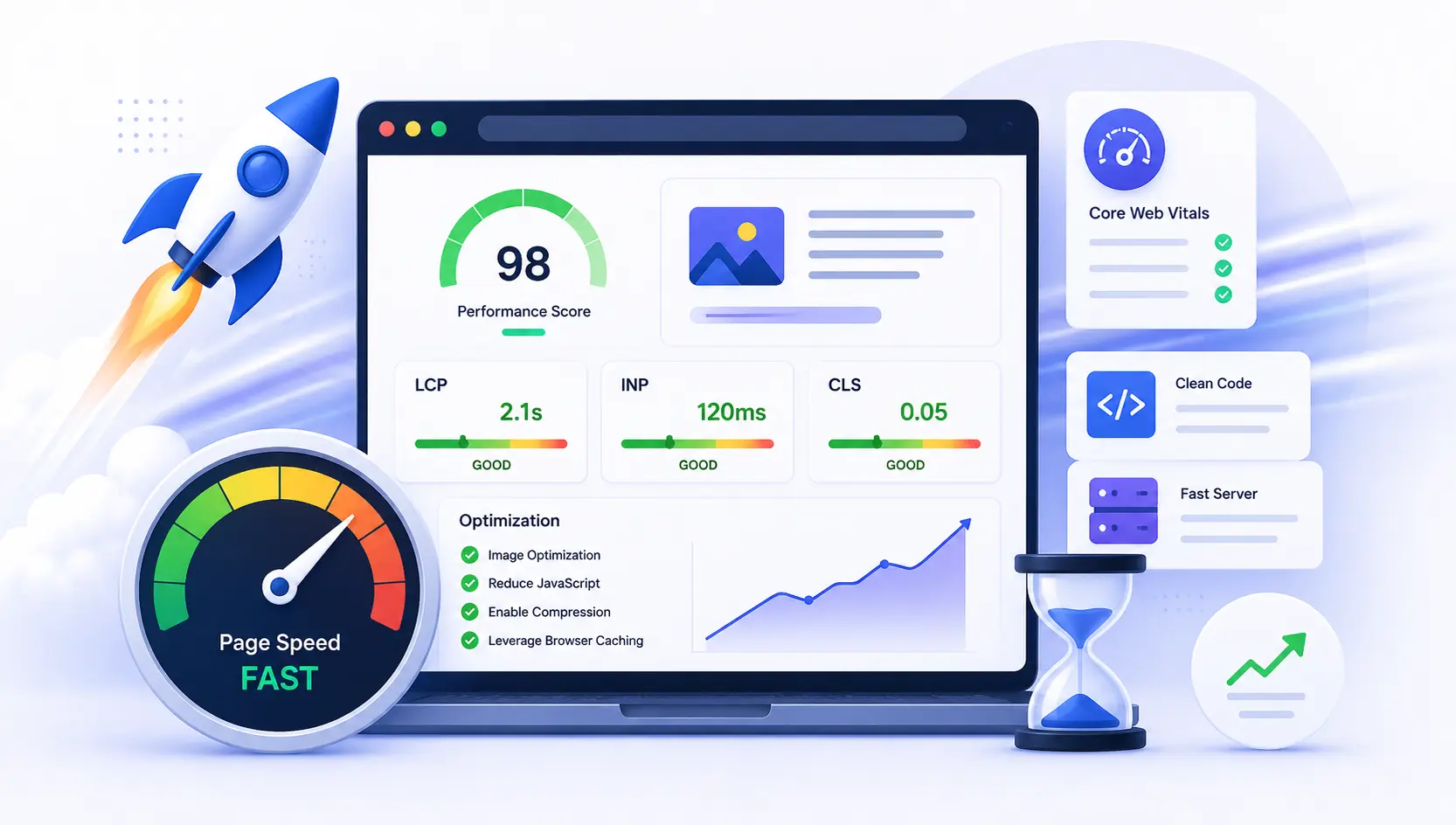

Your visitors decide whether to stay in the first few seconds — and so does Google. A page that loads slowly or jumps around as it renders frustrates people, pushes them to hit "back," and quietly holds down your search rankings. The good news: page speed is one of the most fixable parts of your site. This guide explains Google's Core Web Vitals in plain language and walks through the practical changes that make a real difference.
Key Takeaways
- Core Web Vitals are Google's three real-user metrics: LCP (loading), INP (responsiveness) and CLS (visual stability).
- The targets: LCP ≤ 2.5s, INP ≤ 200ms, CLS ≤ 0.1 — for at least 75% of your real visits.
- INP replaced FID in March 2024 and is the Core Web Vital sites most often fail today.
- Speed is a confirmed (if modest) Google ranking signal — and a proven driver of engagement and conversions.
What Are Core Web Vitals?
Core Web Vitals are a set of three metrics Google uses to measure the real-world experience of loading a page — how fast it appears, how quickly it responds to input, and how stable it is while it renders. Each has a clear "good" target, measured on real visitors rather than in a lab.
| Metric | Measures | Good | Poor |
|---|---|---|---|
| LCP — Largest Contentful Paint | Loading speed | ≤ 2.5 s | > 4 s |
| INP — Interaction to Next Paint | Responsiveness | ≤ 200 ms | > 500 ms |
| CLS — Cumulative Layout Shift | Visual stability | ≤ 0.1 | > 0.25 |
In everyday terms: LCP is how long until the main content (usually your hero image or headline) shows up. INP is how snappy the page feels when someone taps or clicks. CLS is whether things shift around unexpectedly — like a button jumping just as you go to press it. To "pass," each metric needs to hit its good target for at least 75% of your visits (mobile and desktop are judged separately).
Interaction to Next Paint (INP) became a stable Core Web Vital in March 2024, retiring the older First Input Delay (FID). FID only measured the delay before the first interaction; INP measures the responsiveness of every interaction during a visit and reports the worst one — a much fairer picture of how a page really feels.
Do Core Web Vitals Actually Affect SEO?
Yes — but keep it in perspective. Core Web Vitals are part of Google's page experience signals and have been used in ranking since 2021. In practice their weight is modest: Google treats them as a kind of tie-breaker. If your page and a competitor's answer a query equally well, the faster, more stable page has the edge. Great speed won't rescue thin content, but poor speed can hold back genuinely good content.
That's why page speed works best alongside the other fundamentals — helpful content, a technically healthy site and clear structure. If you're building an overall growth plan, pair this with our guide to increasing organic traffic and make sure you've fixed the kind of hidden technical issues that quietly drag a site down.
How to Measure Your Page Speed (Field vs Lab Data)
Before you optimize, measure — and know which number you're looking at:
- Field data is from real visitors over the last 28 days (Google's Chrome User Experience Report). This is what Core Web Vitals assessments and Search Console are based on.
- Lab data is a single controlled test (like Lighthouse) run in a simulated environment. It's perfect for debugging and repeatable checks, but it isn't what Google scores you on.
Use PageSpeed Insights (shows both field and lab data), the Core Web Vitals report in Google Search Console to see which URLs need work, and Lighthouse in Chrome DevTools while you're making changes.
How to Improve LCP (Loading Speed)
LCP is usually about one big element — your hero image or headline — appearing quickly. The biggest wins:
- Optimize your images. Serve modern formats (WebP or AVIF), compress them, and size them to how they're actually displayed. Oversized images are the single most common cause of slow LCP.
- Preload the LCP element (usually the hero image) so the browser fetches it early.
- Cut render-blocking CSS and JavaScript. Inline critical CSS, defer the rest, and remove unused code.
- Improve server response time. Fast hosting, page caching and a CDN to serve assets from close to your visitors all reduce the wait before anything loads.
How to Improve INP (Responsiveness)
INP is about JavaScript. A page feels sluggish when the browser's main thread is busy running long scripts and can't respond to taps and clicks. For a step-by-step code walkthrough on main thread yielding and Chrome DevTools profiling, read our complete Interaction to Next Paint (INP) optimization guide. To improve it:
- Break up long JavaScript tasks into smaller pieces using
scheduler.yield()so the browser can render frames between execution. - Defer or remove non-essential scripts, especially heavy third-party tags (chat widgets, trackers, ad scripts) that you don't strictly need.
- Minimize main-thread work — ship less JavaScript, and avoid doing expensive work on every interaction.
How to Improve CLS (Visual Stability)
CLS is the annoyance of content jumping around as the page loads. It's almost always preventable:
- Always set width and height (or a CSS aspect-ratio) on images, videos and embeds so the browser reserves the space before they load.
- Reserve room for ads, banners and embeds instead of letting them push content down when they appear.
- Preload fonts and use
font-display: swapto avoid text reflowing when a custom font finishes loading. - Never insert content above existing content once the page has rendered (unless it's in direct response to a user action).
The fastest sites are engineered for performance from the first line of code — lean markup, optimized assets and a sensible build. Retrofitting speed onto a bloated template is far harder. Our web development team builds fast, Core-Web-Vitals-friendly sites and can audit an existing one to find what's slowing it down.
Why Page Speed Is Worth the Effort
Speed isn't just an SEO checkbox — it's a business lever. Google's own research has repeatedly linked faster load times to lower bounce rates and higher conversions, and the effect is strongest on mobile, where connections are slower and patience is shorter. A faster site means more visitors stay, read, and act — so the same traffic produces more enquiries and sales. Improving speed is one of the rare changes that helps your rankings, your users and your revenue at the same time.
Common Page Speed Mistakes to Avoid
Uploading huge unoptimized images, loading a dozen third-party scripts you don't need, skipping caching and a CDN, testing only lab data while ignoring what real users experience, and forgetting mobile entirely. Small oversights add up to seconds of delay.
Structured data can't speed up a page, but a technically clean site helps every metric — if you haven't yet, it's worth pairing performance work with proper schema markup so search engines understand your fast, well-built pages too.
Frequently Asked Questions
Is page speed a Google ranking factor?
Yes. Page speed, via Core Web Vitals, is part of Google's page experience signals and has been used in ranking since 2021. Its weight is modest — content relevance matters most — but it acts as a tie-breaker between otherwise similar pages, so a faster site has the edge.
What is a good Core Web Vitals score?
Aim for Largest Contentful Paint (LCP) of 2.5 seconds or less, Interaction to Next Paint (INP) of 200 milliseconds or less, and Cumulative Layout Shift (CLS) of 0.1 or less — for at least 75% of your real visits, measured separately on mobile and desktop.
What replaced First Input Delay (FID)?
Interaction to Next Paint (INP) replaced FID as a Core Web Vital in March 2024. Unlike FID, which only looked at the first interaction, INP measures the responsiveness of every interaction during a visit, giving a far more accurate sense of how a page feels to use.
How do I test my website's page speed?
Use Google's PageSpeed Insights for both real-user and lab data, the Core Web Vitals report in Google Search Console to find which pages need work, and Lighthouse in Chrome DevTools while you make changes.
What's the difference between lab and field data?
Field data reflects real visitors over the past 28 days and is what Google uses to assess your Core Web Vitals. Lab data is a single controlled test in a simulated environment — great for debugging, but not what your ranking assessment is based on.