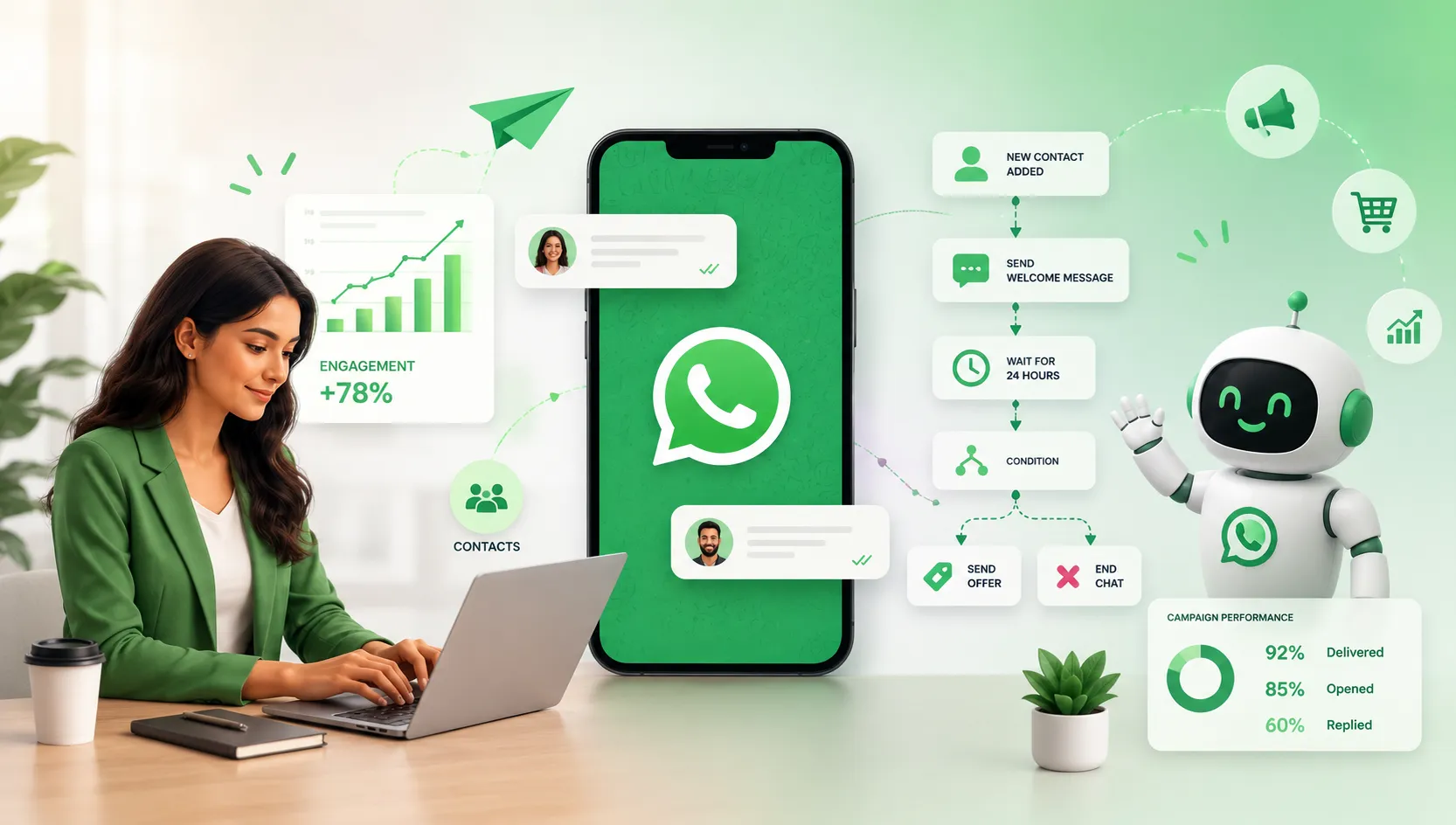

Billions of people use WhatsApp worldwide to connect with family, friends, and businesses every day. As reported by Meta, conversational messaging has become one of the fastest-growing communication channels between consumers and brands.
In 2026, WhatsApp Marketing Automation allows companies to provide immediate responses, send timely updates, and nurture customer relationships without manual overhead. When built around proper consent and structured workflows, WhatsApp messaging can substantially strengthen your brand’s customer journey and increase conversion opportunities.
Important: WhatsApp automation should be built around explicit user opt-ins, approved message templates, and responsible messaging practices. For business-initiated conversations on the WhatsApp Business Platform, approved templates are required, while free-form replies are generally available during the 24-hour customer-service window.
At a Glance: WhatsApp Marketing Benchmarks
- High engagement: WhatsApp messages generally achieve substantially higher visibility and interaction rates than traditional email marketing channels.
- Strong read rates: A 2026 Chatarmin benchmark study analyzing 13.9 million WhatsApp campaign messages reported a 79% weighted open rate. (Results vary by audience, campaign type, industry, and methodology).
- Conversational channel: WhatsApp enables direct two-way conversations where customers already manage everyday communications.
- Policy-compliant automation: Businesses can automate lead follow-ups, appointment reminders, and customer updates when WhatsApp Business Messaging Policies and consent requirements are followed.
- Unified campaigns: Tools like MarketingPro SaaS help businesses manage automated WhatsApp and email campaigns from one dashboard.
Why WhatsApp Works for Modern Customer Engagement
Consumers increasingly expect immediate, conversational interactions rather than waiting hours for an email response. When integrated into your overall marketing strategy, WhatsApp offers distinct operational advantages:
- Immediate Lead Qualification: Auto-respond to incoming website inquiry forms while buyer interest is high, collecting initial requirements before handing off to a team member.
- Direct Delivery: Push notifications and conversational threads ensure critical notifications, such as booking confirmations and OTPs, are seen quickly.
- Interactive Response Buttons: Native quick-reply and call-to-action buttons let users confirm bookings, request callbacks, or view service details in a single tap.
- Lower Friction Journeys: Directing users into a well-designed WhatsApp conversation can reduce friction and may improve conversion rates compared with less interactive customer journeys.
5 Practical WhatsApp Automation Workflows
1. Instant Welcome & Lead Qualification
When a user submits an inquiry form on your website, your automation can send an immediate acknowledgment message to confirm receipt and gather initial project scope.
Connecting this with our Digital Marketing Services ensures incoming leads are organized and promptly addressed.
2. Abandoned Form & Cart Recovery
For service booking forms or e-commerce checkouts, timely abandoned-cart or abandoned-form reminders can help recover otherwise lost opportunities by answering customer questions or resolving checkout issues.
3. Appointment, Consultation & Payment Reminders
Automated WhatsApp reminders sent prior to scheduled consultations help reduce missed appointments and improve attendance for busy service teams.
4. Segmented Broadcast Campaigns & Product Updates
Keep existing customers informed about service releases, holiday schedules, or relevant industry updates. Compliance Note: Only send promotional messages to users who have provided explicit opt-in for marketing communications, setting clear expectations on message frequency and categories.
5. Post-Service Review & Feedback Collection
After delivering a project or service, trigger a polite feedback request inviting satisfied clients to share a review on your Google Business Profile, supporting your ongoing Local SEO visibility.
Coordinate Campaigns with MarketingPro
MarketingPro helps businesses manage automated WhatsApp and email campaigns from one dashboard. Pairing your WhatsApp sequences with our Bulk Email Marketing Deliverability Guide ensures your multi-channel campaigns reach the inbox and drive conversions.
Explore MarketingPro Free →Responsible WhatsApp Automation & Compliance in 2026
According to the official WhatsApp Business Messaging Policy, businesses must adhere to clear communication standards to maintain high delivery quality:
- Explicit User Opt-In: Only message users who have explicitly provided their phone number and verified permission to receive WhatsApp messages from your brand.
- Clear Message Expectations: Inform customers clearly about what types of messages they will receive and the expected frequency.
- Approved Message Templates: For business-initiated conversations outside the standard 24-hour customer service window, pre-approved templates categorized under Utility, Authentication, or Marketing are required.
- Respect Messaging Limits & Quality Signals: Monitor your phone number quality rating in the WhatsApp Business Manager. WhatsApp users can block or report businesses; sustained low quality can result in messaging tier restrictions.
- Immediate Opt-Out Compliance: Provide a straightforward opt-out keyword (such as
STOPorUNSUBSCRIBE) and ensure automated systems immediately honor unsubscriptions without friction. - Clear Human Escalation: Automated conversation flows must provide a clear path for users to connect with a human agent when automated answers do not address their request.
Step-by-Step: Setting Up Your First Automated Campaign
- Define Clear Objectives: Choose whether the flow is designed for customer support triage, appointment reminders, or lead nurturing.
- Verify Opt-In Consent: Ensure your recipient list consists solely of contacts who actively requested communication.
- Prepare Approved Templates: Submit clear, helpful message templates for Meta review before scheduling broadcasts.
- Configure Automation in MarketingPro: Map recipient variables, set scheduling parameters, and verify response logic.
- Review Response Metrics: Monitor engagement rates, quality ratings, and feedback to refine future messaging.
Conclusion: Building Responsible Conversational Channels
WhatsApp marketing automation is a powerful tool for modern customer communication when deployed responsibly. By respecting user preferences, adhering to Meta’s Business Messaging Policy, and focusing on helpful, context-rich messages, businesses can build lasting customer trust.
Looking to develop an end-to-end digital growth strategy? Explore our Digital Marketing Solutions or start coordinating your campaign workflows with MarketingPro.
Frequently Asked Questions
What is WhatsApp Marketing Automation?
WhatsApp Marketing Automation is the process of sending automated, event-triggered, or scheduled messages, notifications, and customer updates to opted-in users using approved message templates and structured conversation workflows.
What are the core WhatsApp Business policy rules for automation?
Businesses must only contact users who have provided explicit opt-in permission. Outside the standard 24-hour customer service window, business-initiated messages require pre-approved message templates. In automated flows, businesses should also maintain a clear path to human support.
How can businesses protect their WhatsApp phone number quality rating?
Maintain a high quality rating by strictly avoiding unsolicited messaging, sending only expected and relevant communications, respecting messaging tier limits, and immediately honoring opt-out requests.
Which platform helps manage WhatsApp automation alongside other marketing channels?
MarketingPro (marketingpro.smit-patel.in) helps businesses coordinate automated WhatsApp workflows, bulk email campaigns, deliverability metrics, and website SEO checks from a single dashboard.